WordPress to Webflow Migration: Is It Worth It?

Thinking of moving from WordPress to Webflow? Here is when the switch pays off, when to stay put, and how to migrate without losing your SEO.
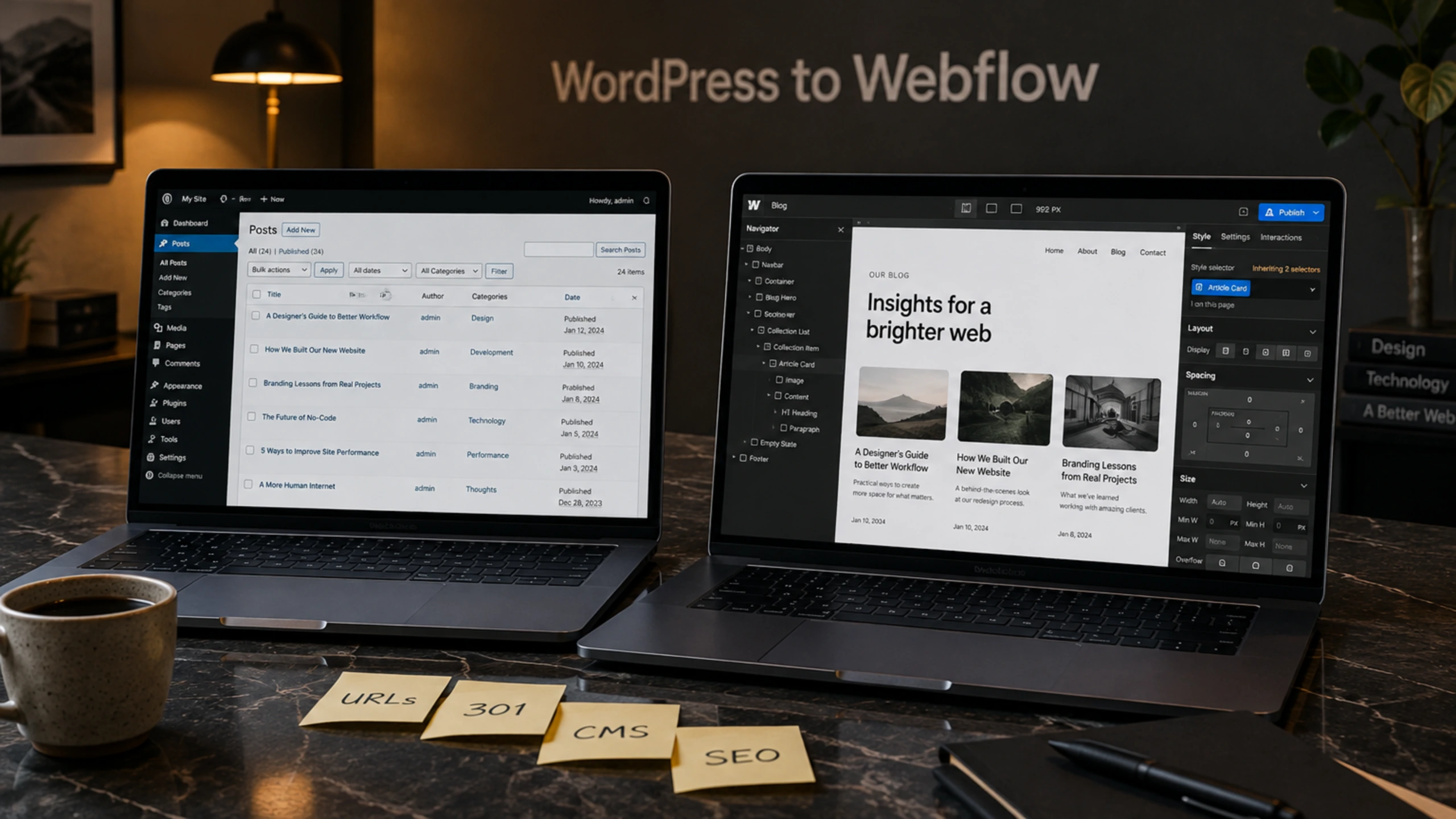
WordPress to Webflow migration: WordPress posts screen and Webflow Designer on two laptops with SEO sticky notes
Article
01
Why Teams Are Moving Off WordPress
Most WordPress to Webflow moves start with the same frustrations: plugin updates that break layouts, slow pages, security worries and a marketing team that is nervous about touching the editor. Webflow promises cleaner code, managed hosting and visual editing without plugins. For many sites, that promise holds up. For some, the move creates new problems. Here is how to tell which group you are in.
02
When the Move Is Worth It
Migration makes sense when your site is mostly marketing pages, a blog and case studies. It makes sense when design matters and your current theme holds it back, when your team wants to publish without a developer, and when plugin and security upkeep keeps eating time. If that sounds familiar, Webflow usually pays back the effort through faster updates and far less maintenance.
03
When You Should Stay on WordPress
Stay put if WordPress runs core parts of your business. A large WooCommerce store, memberships, online courses, bookings, forums or heavily customized plugins rarely move cleanly. Webflow can connect third-party tools for some of these, but each one adds cost and complexity. Very large content libraries also need checking against Webflow's CMS limits; the Premium plan currently allows up to 20,000 CMS items.
04
Audit Before You Move Anything
List every page, post, custom post type, form and plugin on the current site. For each plugin, write down what it does and how Webflow will handle it: a native feature, an integration, or not at all. Export your Search Console data and crawl the old site to capture every URL. This inventory sets the real scope, and the real price, of the migration.
05
Rebuild the Design, Don't Copy It
WordPress themes do not convert to Webflow. The design gets rebuilt, which also makes it the best moment to fix what was not working. Start in Figma, set up a clean class system and reusable components, then build in Webflow. Teams that try to copy the old site pixel for pixel usually carry the old problems straight into the new platform.
06
Moving Content Into the Webflow CMS
Blog posts, case studies and team members become Webflow CMS collections. Content is usually exported from WordPress, cleaned up, imported through CSV or a migration tool, then checked by hand. Watch for images, embedded media, shortcodes and formatting that do not survive the trip. Plan your collection fields carefully up front, because changing the structure later means reworking every entry.
07
Protect Your SEO During the Switch
The biggest risk in any migration is lost rankings. Keep URLs the same wherever you can, and set up 301 redirects in Webflow's site settings for the rest. Carry over titles, meta descriptions and image alt text, then submit the new sitemap in Search Console on launch day. Watch indexing and traffic closely for the first few weeks after the switch.
08
So, Is It Worth It for You?
For a design-led marketing site, moving from WordPress to Webflow usually means faster edits, fewer breakages and a site your team actually enjoys running. For a feature-heavy site, a well-built WordPress install is often the smarter choice. At Enforg, we build on both, so we will tell you plainly which one fits. If you do move, we handle the design, content migration and redirects at one fixed price.

Your Website Should Move With Your Brand.

A redesign isn’t always about making things look newer. It’s about making your website clearer, more useful and more aligned with where your brand is today.

Enforg Team

Enforg is a web design and development studio in Jaipur, India, founded in 2021. We design in Figma and build in Webflow, Framer, WordPress and Wix Studio. Vetted Pro and Top Rated on Fiverr, with 998+ client projects delivered.

More Ideas. Better Websites.

More thoughts on web design, user experience and building digital experiences that stand out.

How API Integrations Make Business Websites More Powerful

Discover how API integrations make business websites more powerful. Learn how connecting CRMs, payment gateways and external tools improves automation, data exchange and business efficiency.

What Happens During a Professional Website Development Process?

Discover what happens during a professional website development process. Explore project planning, Figma design, development, testing, launch and ongoing support.

Why Your Website Needs a Mobile-First Design Approach

Discover why mobile-first website design matters for modern businesses. Learn how responsive layouts, mobile navigation, performance and usability improve customer experience.