Webflow vs Framer: Which One Is Right for Your Site?

Both build fast, custom websites without a traditional developer stack. They differ in how they handle content, structure and editing, and that decides which one suits your site.

Article

01
The Difference in One Line
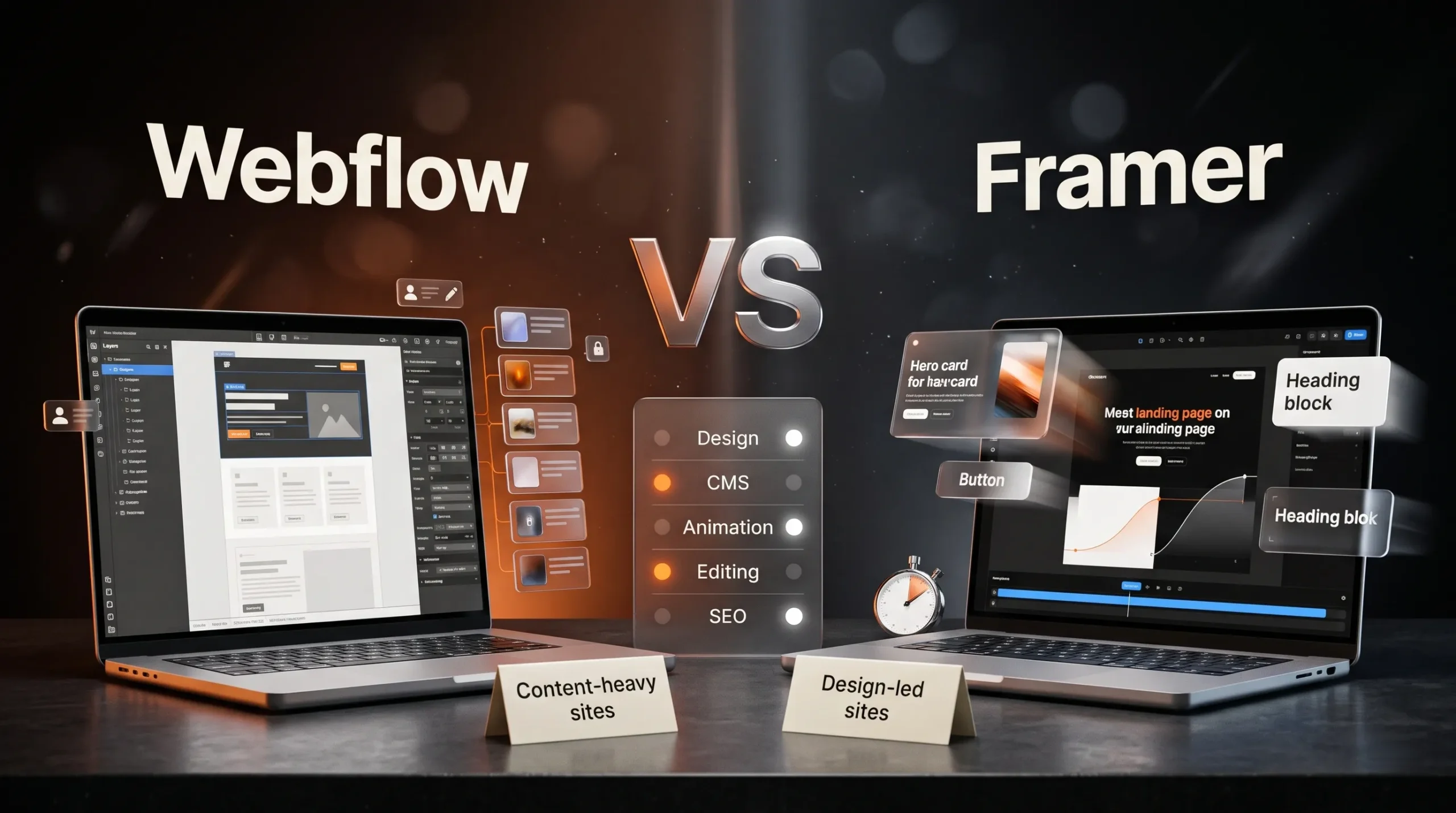
Framer works like a design tool that publishes websites. Webflow works like a visual development tool with a strong CMS behind it. Framer is quicker for design-led sites and fast launches. Webflow gives more structure to sites with a lot of content, complex layouts or several editors.
02
Design and Layout
Framer feels familiar to anyone who designs in Figma: you place elements freely, and breakpoints and components are quick to set up. Webflow follows the same box model as HTML and CSS, with classes and reusable styles. It takes longer to learn, and it keeps large sites consistent as more pages are added.
03
Content and CMS
Both platforms have a built-in CMS for blogs, case studies and other repeating content. Webflow's CMS is the more established of the two. It supports references between collections and has a wide range of add-ons, such as Finsweet's filtering and sorting tools. If content is the core of your site, Webflow usually handles it with fewer workarounds.
04
Animation and Interactions
Framer's animations are quick to add and smooth by default, which makes it a natural fit for motion-heavy marketing sites. Webflow Interactions can build almost any effect, including scroll-linked sequences, with more setup. On either platform, keep motion light enough to run smoothly on older phones.
05
Editing After Launch
Both let your team change text and images on the live page without touching the layout. Framer's editing sits close to the design canvas and is simple to learn. Webflow separates content editors from designers with roles, which suits teams where several people publish but only a few should change the design.
06
Which One to Choose
Choose Framer for a design-led site with a handful of pages, plenty of motion and a quick launch. Choose Webflow for a content-heavy site, a blog or resource library that will keep growing, or a team with several editors. We build on both, so the platform choice comes after we understand your content and how your team works.
07
Is Webflow or Framer Better for SEO?
Both give you control over page titles, meta descriptions, URLs, alt text and sitemaps, and both serve fast pages from their own hosting. Your content and page speed matter far more than the platform. Webflow's CMS makes a large blog easier to publish and organise, which helps if content is how you plan to rank.
08
Can You Move a Site From Framer to Webflow?
Not automatically. The two platforms store layouts differently, so moving means rebuilding the design, although CMS content can usually be exported as a CSV file and imported. Choosing the right platform at the start avoids that cost.

Your Website Should Move With Your Brand.

A redesign isn’t always about making things look newer. It’s about making your website clearer, more useful and more aligned with where your brand is today.

More Ideas. Better Websites.

More thoughts on web design, user experience and building digital experiences that stand out.

What Makes a Website Feel Premium?

Visitors decide in the first few seconds whether a site feels premium. That decision rests on six details: type, spacing, imagery, motion, speed and words.

Custom Website vs Template: What’s the Real Cost?

A template gets a site live quickly and cheaply. A custom design costs more upfront and fits your business exactly. The useful comparison is what each costs over the next two or three years.

Why Good UI/UX Starts Before the Design

Many website problems that look like design problems start earlier: unclear goals, a vague audience or content written last. Good UI/UX settles those before anyone opens Figma.