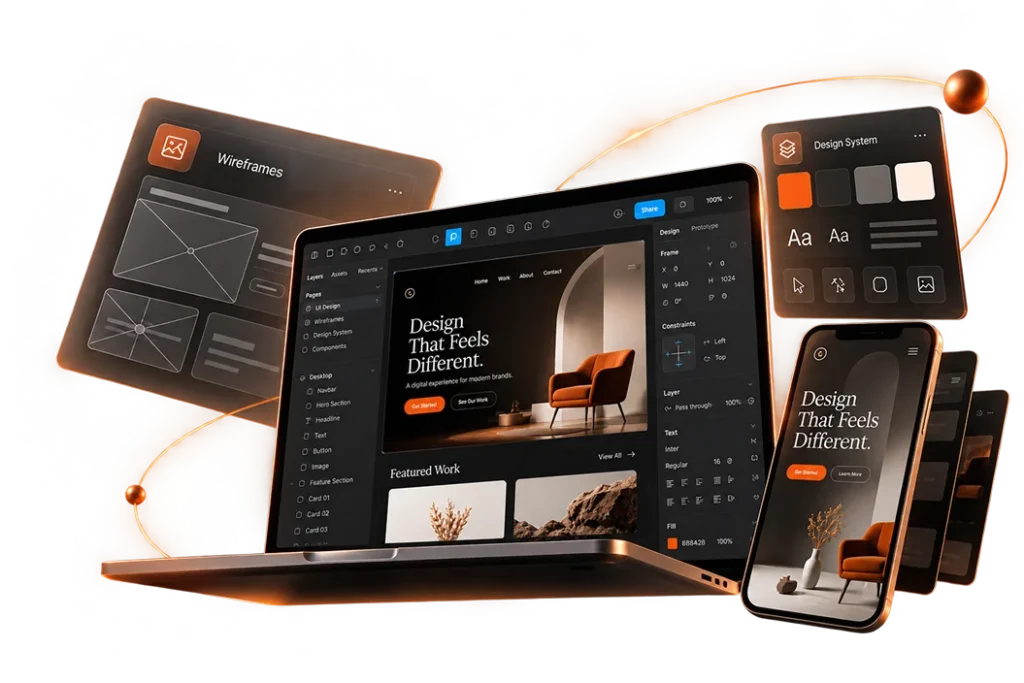
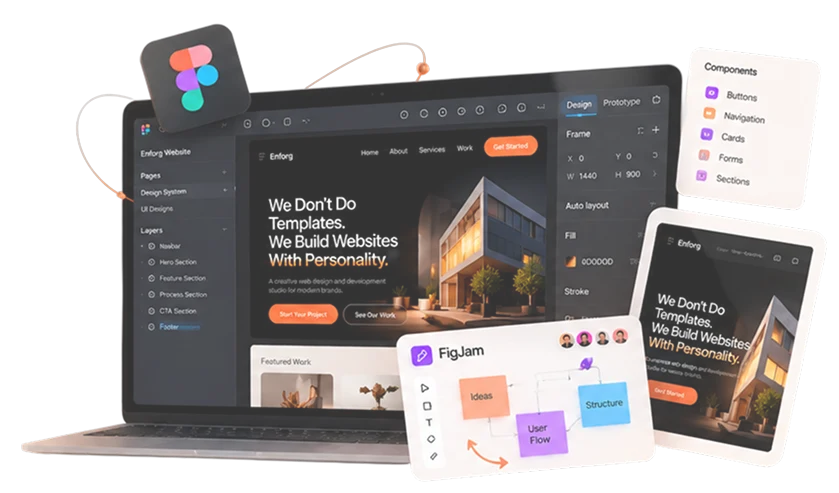
Wix Studio suits teams who want to run the site themselves with no technical help, and no separate hosting to manage. We design every page in Figma first and build it on Wix Studio from scratch — it looks nothing like a Wix template, but your team edits it as easily as one.
01
Responsive by Design
Layouts tuned for desktop, tablet and mobile, one breakpoint at a time.
02
Content Your Team Controls
CMS collections for blogs, projects or listings, edited in a familiar dashboard.
03
Room to Grow
Add pages, forms, bookings or a store when you need them.
THE DELIVERABLES
Everything You Need to Launch on Wix Studio.
A finished Wix Studio website, designed, built and handed over ready to grow.
01
Design
Figma Design · Components · Style Guide
02
Build
Wix Studio Pages · Responsive Breakpoints · CMS
03
Interactions
Animations · Hover Effects · Transitions
04
Launch
Domain · Launch Checklist · Editor Training
HOW WE WORK
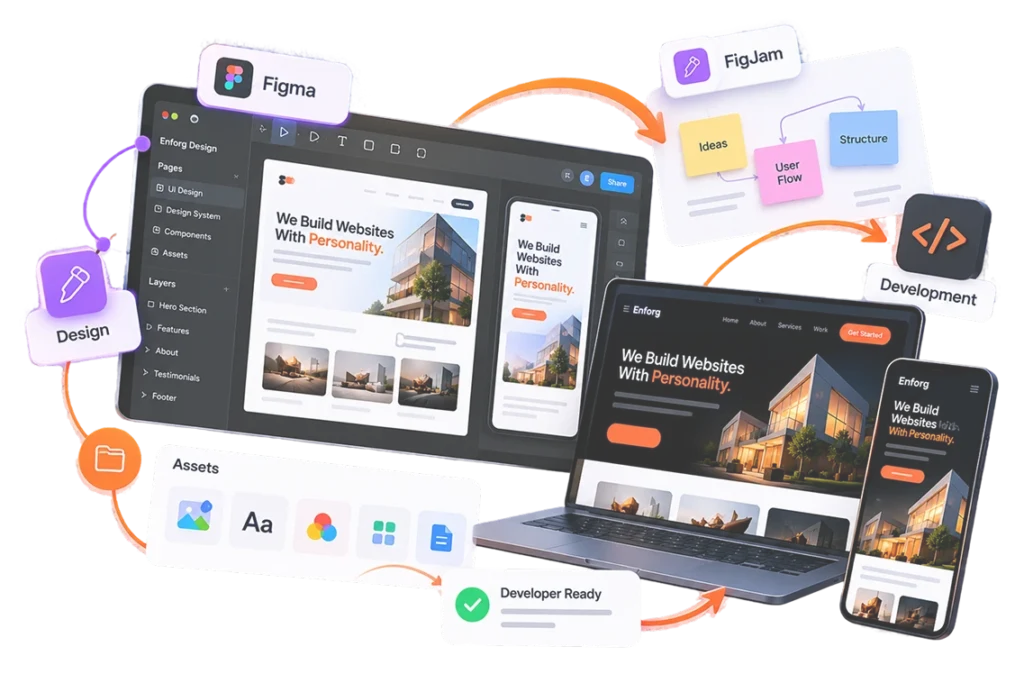
Design First. Then We Build.
A simple, focused process that turns your idea into a live Wix Studio site.
Understand
We learn your brand, audience and goals.
Design
We design every page in Figma for your approval.
Build
We build it in Wix Studio, with a CMS and interactions.
Launch
We go live and show your team how to edit it.
OUR DESIGN TOOLKIT
Designed in Figma. Built in Wix Studio.
The tools we use to design, build and launch your Wix Studio site.
Figma
Page design, components and responsive layouts, approved before the build starts.
Wix Studio
Responsive editor, CMS and hosting in one place.
Velo by Wix
Custom code for logic, integrations and dynamic pages when the editor needs more.
THE HANDOFF
A Site Your Team Can Run.
At launch you get a walkthrough of the Wix Studio editor and CMS, so your team can update pages and content without waiting on us.
Wix Studio editor and CMS walkthrough
Content types set up and filled
Domain and analytics connected
Support after go-live
QUESTIONS?
Let's Clear
Things Up.
How much does a Wix Studio website cost?
We price every Wix Studio project from its scope and fix the price before work starts. Hosting and the platform subscription are billed by Wix separately, so budget for that on top. Send us your brief for a fixed quote.
How long does a Wix Studio site take to build?
Design in Figma comes first and needs your approval before we build. The Wix Studio build then covers CMS setup and responsive testing. How long it takes depends on the number of pages and how much content there is, so share your launch date and we’ll confirm whether it fits.
Can my team update the site without a developer?
Yes, and this is the reason to choose Wix Studio. Of the four platforms we build on, it has the gentlest learning curve for a non-technical team. Hosting, the CMS and the editor are all in one place, so there is nothing separate to manage.
When is Wix Studio the wrong choice?
If you need custom code, complex integrations, or expect the site to grow into something unusual, Webflow or WordPress give you more room. Wix Studio is strongest when you want a well-designed site your team can run themselves with no technical help at all.