Webflow Development

Custom Development · CMS · Interactions · Responsive Build · Animation · Optimization
Pixel-accurate Webflow builds with clean interactions and a CMS your team can run.

Pixel-Accurate. Easy to Publish.

Webflow suits teams who publish regularly and want a CMS they can run without a developer, on a site where motion feels designed rather than bolted on. We design every page in Figma first, get your approval, then build it by hand in Webflow — no templates, no pre-built sections.

01
True to the Design
Spacing, type and layout built exactly as approved in Figma.
02
Interactions That Feel Native
Scroll, hover and page animations built with Webflow Interactions.
03
A CMS That Scales
Collections for blogs, case studies and resources, with filters where you need them.
Website design mockup shown on a laptop and phone

Everything You Need to Launch on Webflow.

A finished Webflow website, designed, built and handed over ready to grow.

01
Design
Figma Design · Components · Style Guide
02
Build
Webflow Pages · Client-First Structure · CMS
03
Interactions
Webflow Interactions · Animations · Transitions
04
Launch
Domain · Launch Checklist · Editor Training

Design First. Then We Build.

A simple, focused process that turns your idea into a live Webflow site.

how-wix-studio-1-understand
Understand
We learn your brand, audience and goals.
how-wordpress-2-design
Design
We design every page in Figma for your approval.
how-wix-studio-3-build
Build
We build it in Webflow, with interactions and a CMS.
how-wix-studio-4-launch
Launch
We go live and show your team how to edit it.
Real estate website design shown on a laptop with design panels

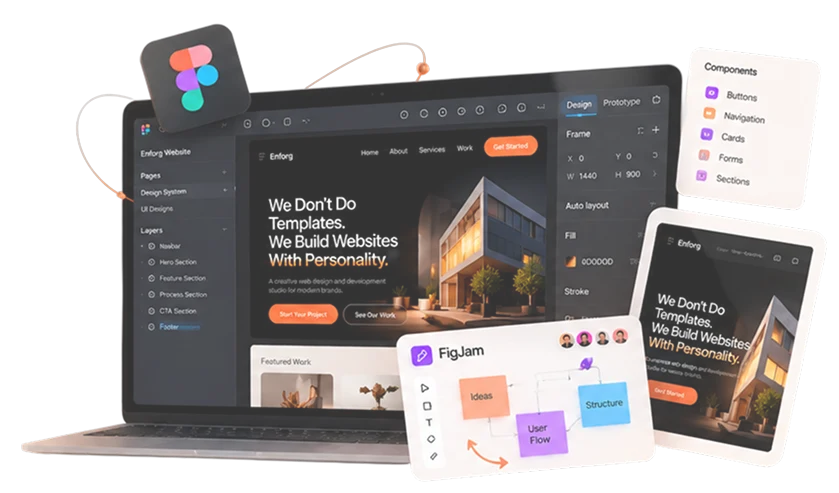
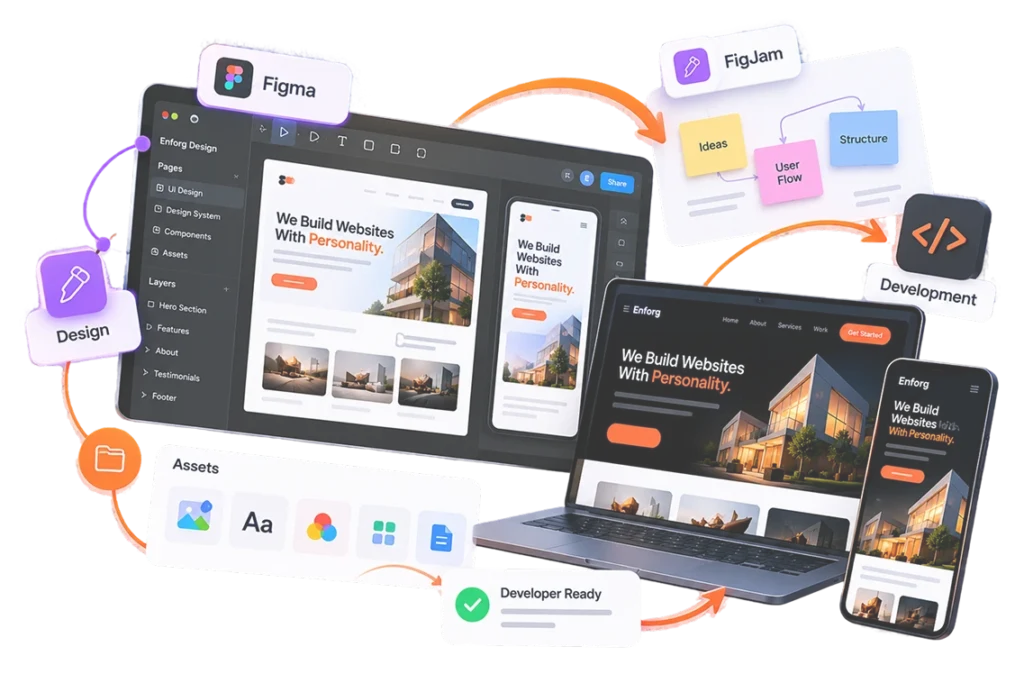
Designed in Figma. Built in Webflow.

The tools we use to design, build and launch your Webflow site.
Figma logo
Figma
Page design, components and responsive layouts, approved before the build starts.
webflow-logo
Webflow
Visual development, CMS and hosting, built on a clean, semantic structure.
fm-logo
Finsweet and Memberstack
Filters, sliders and member areas when a project needs more than the core platform.
Website design mockups connected across laptop and phone screens

A Site Your Team Can Run.

At launch you get a walkthrough of the Webflow Editor and CMS, so your team can update pages and content without waiting on us.
handoff-platform-1-editor-walkthrough
Webflow Editor and CMS walkthrough
handoff-platform-2-content-setup
Content types set up and filled
handoff-platform-3-domain-analytics
Domain and analytics connected
handoff-platform-4-support
Support after go-live

QUESTIONS?

Let's Clear Things Up.

How much does a Webflow website cost?

We price every Webflow build from its scope, and you get a fixed price in writing before any work starts. A single landing page sits at the lower end; a multi-page marketing site with CMS collections and custom interactions sits at the upper end. Send us your brief or book a 30-minute call, and we’ll come back with a fixed quote for your site.

How long does a Webflow site take to build?

That depends on the number of pages and how much CMS and motion the site needs. Design comes first, in Figma, and needs your approval before we build. Webflow development then covers interactions, CMS setup and responsive testing. Tell us your launch date on a call and we’ll tell you if it’s achievable.

Can I edit the Webflow site myself after launch?

Yes, and that is the main reason to pick Webflow. We set up the CMS collections, connect the Webflow Editor, and record a Loom walkthrough showing your team how to edit each section. No developer needed for day-to-day content.

When is Webflow the wrong choice?

If you need ecommerce beyond a handful of products, user accounts, or integrations with systems built around PHP, WordPress handles those better. If you want to launch in under two weeks with simple content needs, Framer gets you there faster. We will tell you which fits before you commit.

Do you use templates?

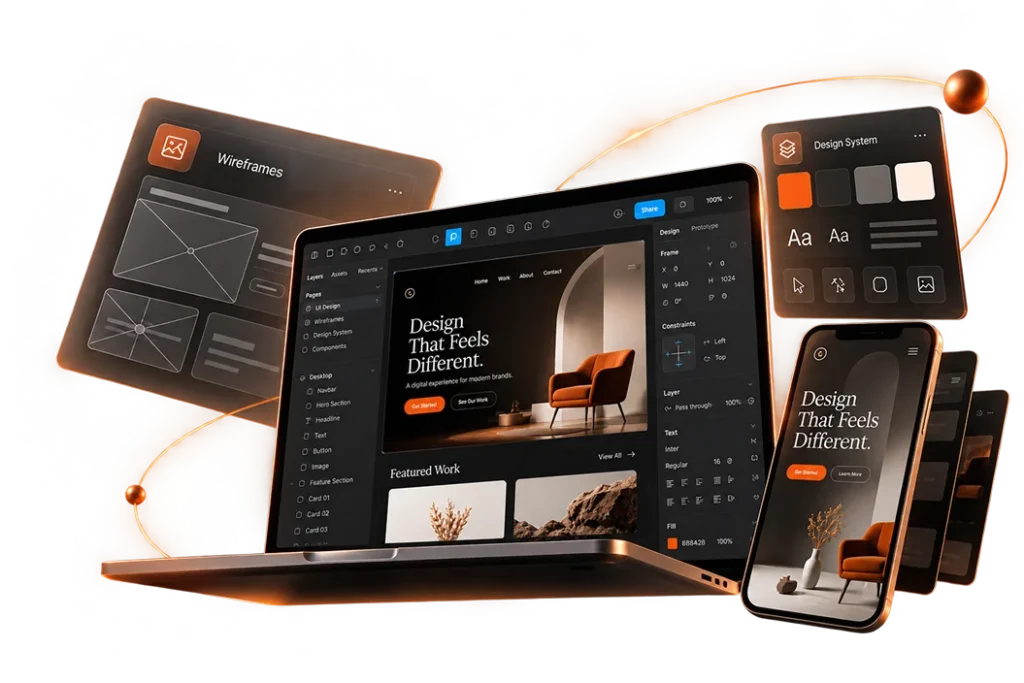
No. We design every page in Figma first, get your approval, then build it by hand in Webflow from a blank canvas.