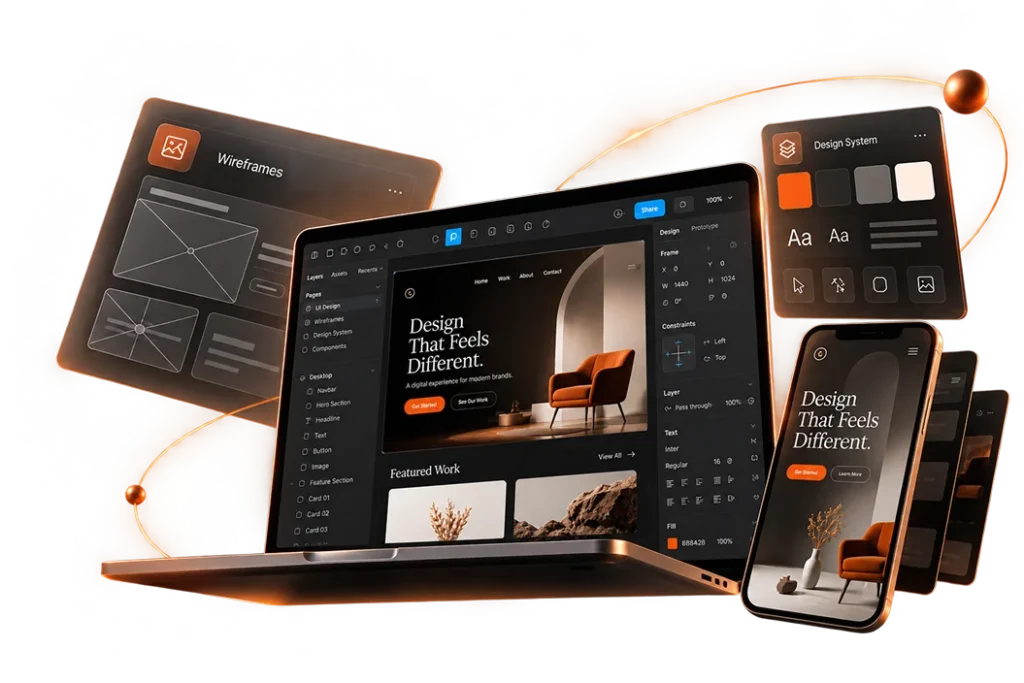
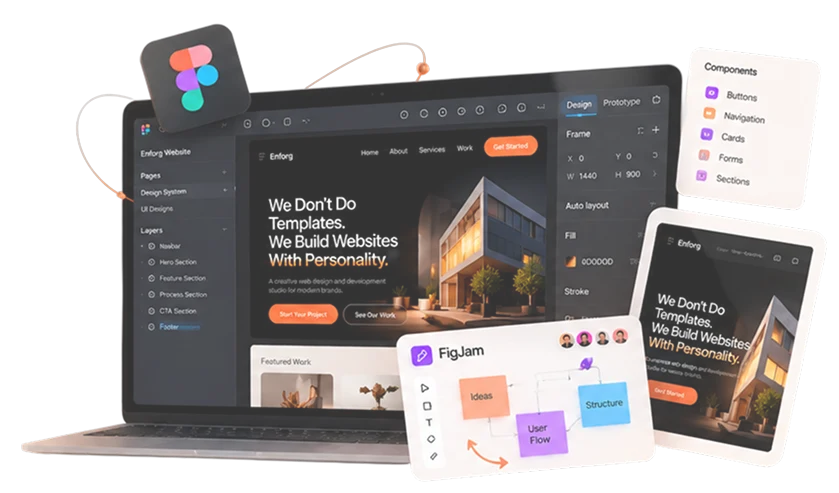
Framer suits brands launching quickly who want motion and polish without a heavy stack behind it. Because design and development happen in one tool, a Framer site reaches launch faster than the same site in Webflow or WordPress — and your team edits it in the same editor we built it in.
01
Motion That Guides
Scroll and hover animations that point people to what matters.
02
Fast to Launch
A visual build process that gets your site live sooner, with no server to manage.
03
Edit Without a Developer
Change copy, images and CMS posts directly in Framer.
THE DELIVERABLES
Everything You Need to Launch on Framer.
A finished Framer website, designed, built and handed over ready to grow.
01
Design
Figma Design · Components · Style Guide
02
Build
Framer Pages · Responsive Breakpoints · CMS
03
Motion
Scroll Effects · Interactions · Transitions
04
Launch
Domain · Launch Checklist · Editor Training
HOW WE WORK
Design First. Then We Build.
A simple, focused process that turns your idea into a live Framer site.
Understand
We learn your brand, audience and goals.
Design
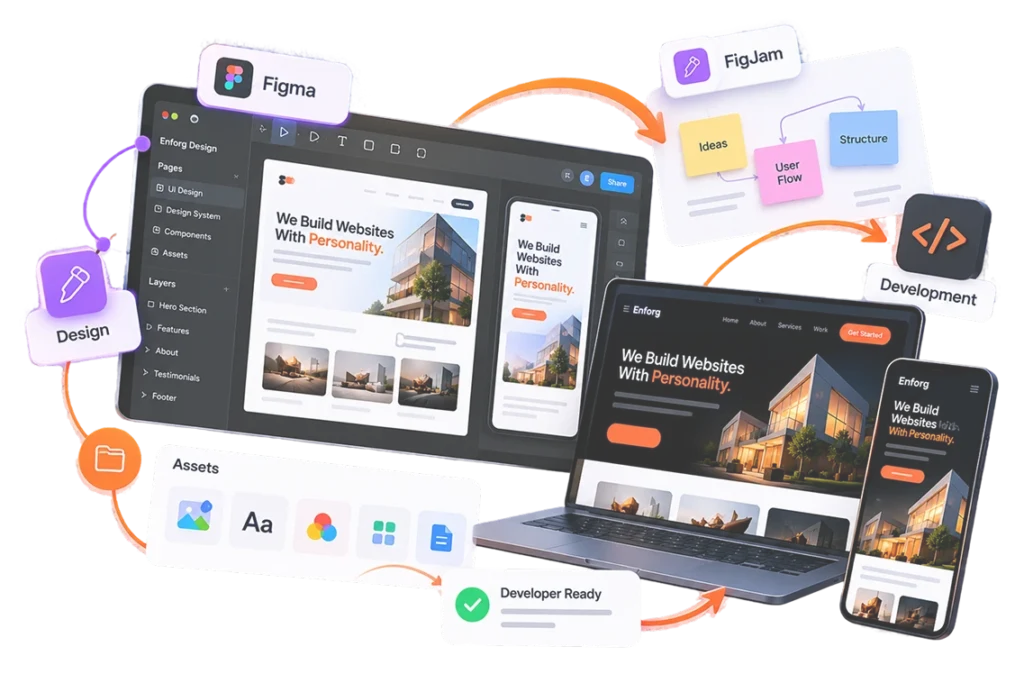
We design every page in Figma for your approval.
Build
We build it in Framer, with motion and a CMS.
Launch
We go live and show your team how to edit it.
OUR DESIGN TOOLKIT
Designed in Figma. Built in Framer.
The tools we use to design, build and launch your Framer site.
Figma
Page design, components and responsive layouts, approved before the build starts.
Framer
Responsive pages, CMS collections and hosting in one place.
Motion and Code Components
Custom animations and code components where the built-in effects stop.
THE HANDOFF
A Site Your Team Can Run.
At launch you get a walkthrough of the Framer editor and CMS, so your team can update pages and content without waiting on us.
Framer editor and CMS walkthrough
Content types set up and filled
Domain and analytics connected
Support after go-live
QUESTIONS?
Let's Clear
Things Up.
How much does a Framer website cost?
We price every Framer project from its scope and fix the price before work starts. Framer builds are usually the quickest of the four platforms we work with, so a straightforward marketing site often costs less here than the same site in Webflow or WordPress. Send us your brief for a fixed quote.
How long does a Framer site take to build?
Framer is usually our fastest build, because design and development happen in the same tool. Design in Figma comes first and needs your approval before we build. Share your launch date with us and we’ll tell you if it’s achievable.
Can I update a Framer site myself?
Yes. Framer uses one visual editor for both building and editing, so your team updates content in the same place we built the site. There is no separate admin panel to learn.
When is Framer the wrong choice?
If you have a large content library, need complex CMS filtering, or want ecommerce, Webflow or WordPress will serve you better. Framer is strongest for brochure and launch sites where speed and motion matter more than content volume.