Webflow vs Framer vs WordPress: Website Cost Breakdown (2026)

Plan prices tell only part of the story. Here is what a Webflow, Framer or WordPress website really costs to build and run over two years.
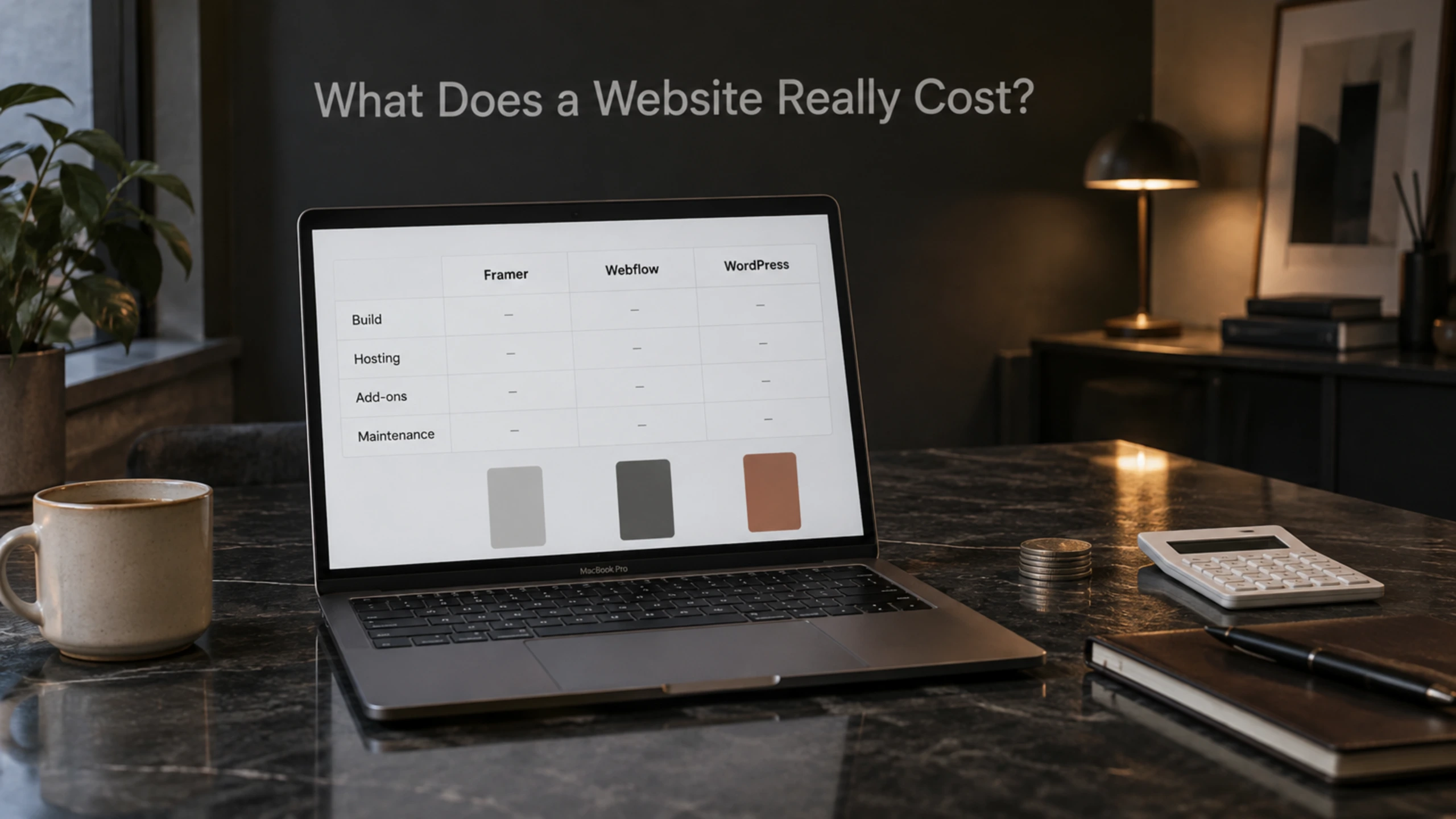
Webflow vs Framer vs WordPress website cost comparison spreadsheet on a laptop with a calculator on the desk
Article
01
The Plan Price Is the Smallest Number
Comparing Framer, Webflow and WordPress by their plan prices misses most of the bill. Real cost has three layers: the build itself, the monthly platform or hosting fees, and the time and money it takes to keep the site running. Over two years, the second and third layers often add up to more than people expect. Here is how each platform actually stacks up.
02
Framer: Low Running Costs, Predictable Bills
Framer charges per site, with hosting, SSL and a CDN included. At the time of writing, paid site plans start at about $10 a month for Basic, with Pro at about $30 a month for larger sites and more CMS capacity. Extra editors and some add-ons cost more. With no plugins or server to maintain, upkeep stays close to zero. For a focused marketing site, Framer is usually the cheapest platform to run.
03
Webflow: Mid-Range, Growing With Your Team
Webflow reworked its pricing in May 2026. Site plans now start at $15 a month for Basic, without a CMS, and $25 a month for Premium, which includes the CMS, both billed yearly. Monthly billing costs noticeably more. On top of that, workspace plans and editor seats add cost as your team grows, and localization and extra bandwidth are paid add-ons. Most small business sites land somewhere between $25 and $75 a month all-in.
04
WordPress: Free Software, Real Running Costs
WordPress itself costs nothing. Everything around it does. You pay for hosting, from basic shared plans to managed WordPress hosting, plus premium plugins and themes, which usually renew every year. The biggest line is often maintenance: updates, backups, security monitoring and fixing plugin conflicts, either in your own hours or as a monthly care plan. Skip it, and the cost shows up later as a slow or hacked site.
05
The Build: Where Most of the Money Goes
On every platform, the largest single cost is designing and building the site. A template is cheapest upfront but often needs rework once real content arrives. A custom design costs more, and its price depends on the number of pages, CMS complexity, animations, integrations and languages far more than on the platform. Platform choice moves the build cost a little. Scope moves it a lot.
06
Look at Two Years, Not One Month
To compare fairly, add up two years: build cost, 24 months of plans or hosting, seats, add-ons and plugins, and maintenance time. A simple marketing site usually comes out cheapest on Framer. A content-heavy site with an active team often fits Webflow best. A store, membership site or custom app is usually better value on WordPress, even with upkeep included, because the alternatives need costly workarounds.
07
Hidden Costs Worth Asking About
Before you sign, ask a few questions. What do extra editor seats cost? Are there bandwidth or CMS item limits, and what happens when you hit them? Which premium plugins renew yearly? Who handles updates and backups, and at what rate? What would it cost to move platforms later? The answers often change which option is really the cheapest.
08
Why We Quote a Fixed Price
Surprise costs kill trust. That is why Enforg agrees on one fixed price before any work starts, covering the design in Figma and the build on Framer, Webflow or WordPress. We also walk you through the running costs of each platform for your specific site, so the two-year total is clear from day one. Want a real number for your project? Book a call.

Your Website Should Move With Your Brand.

A redesign isn’t always about making things look newer. It’s about making your website clearer, more useful and more aligned with where your brand is today.

Enforg Team

Enforg is a web design and development studio in Jaipur, India, founded in 2021. We design in Figma and build in Webflow, Framer, WordPress and Wix Studio. Vetted Pro and Top Rated on Fiverr, with 998+ client projects delivered.

More Ideas. Better Websites.

More thoughts on web design, user experience and building digital experiences that stand out.

How API Integrations Make Business Websites More Powerful

Discover how API integrations make business websites more powerful. Learn how connecting CRMs, payment gateways and external tools improves automation, data exchange and business efficiency.

What Happens During a Professional Website Development Process?

Discover what happens during a professional website development process. Explore project planning, Figma design, development, testing, launch and ongoing support.

Why Your Website Needs a Mobile-First Design Approach

Discover why mobile-first website design matters for modern businesses. Learn how responsive layouts, mobile navigation, performance and usability improve customer experience.